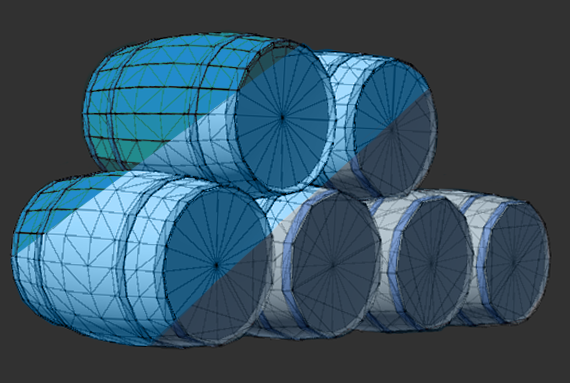
When you build, beautiful worlds for your game, you may have already stumbled over LODs. LOD stands forLevel of Detail. In this guide we explain you what it is and how you can improve your games performance by using them.
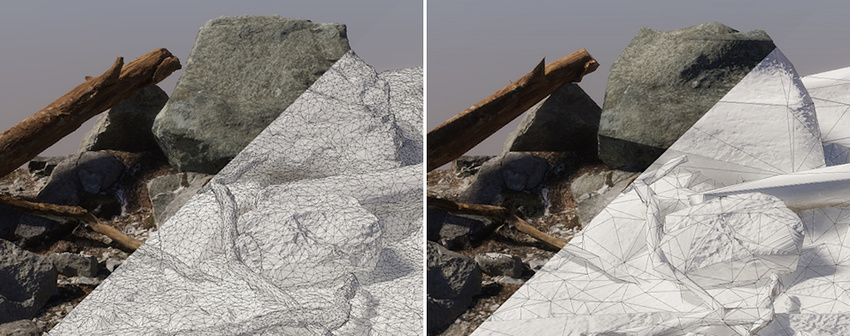
In practice it means:
One object can exist in multiple versions, each with different complexity.
When to Use LODs
Imagine a castle with hundreds of bricks and walls.
If every brick and speck of dust stayed high-poly all the time:
- GPU load would suffer
- frame rate drops
- scenes stutter when moving
But if distant details switch to lighter LODs:
- The world still looks full
- Performance stays smooth
- Consoles and laptops are still capable of running your game
| Version | Name | Detail Level | When It’s Used |
|---|---|---|---|
| Very detailed | LOD0 | Highest poly | When the camera is close |
| Medium detail | LOD1 | Fewer polygons | Mid-distance |
| Low detail | LOD2 | Very simple shape | Far away |
| Lowest detail | LOD3 | Simplest shapes | Extremely far away |
| No Detail | Culled | non-existent | When almost invisible. |
Example in Unity
From far away, you can’t see all the details and textures, just a silhouette.
But without LODs, the engine is still rendering everything at high detail, even when zooming out. From a distance, they look nearly identical.
But the GPU workload drops dramatically. This means you save performance without sacrificing visuals.
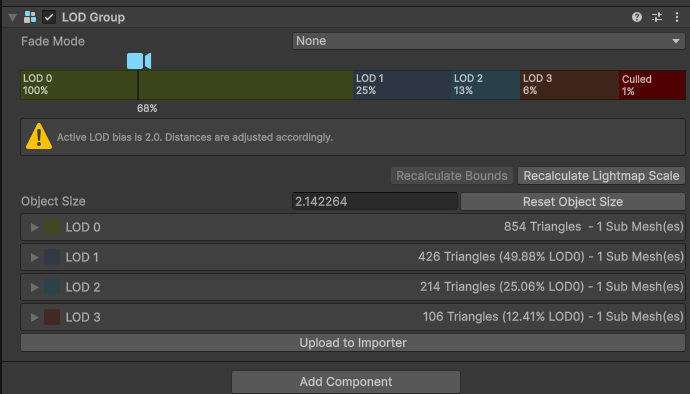
Every LOD has a distance threshold. As you move, the engine switches automatically, from one threshold to the next.
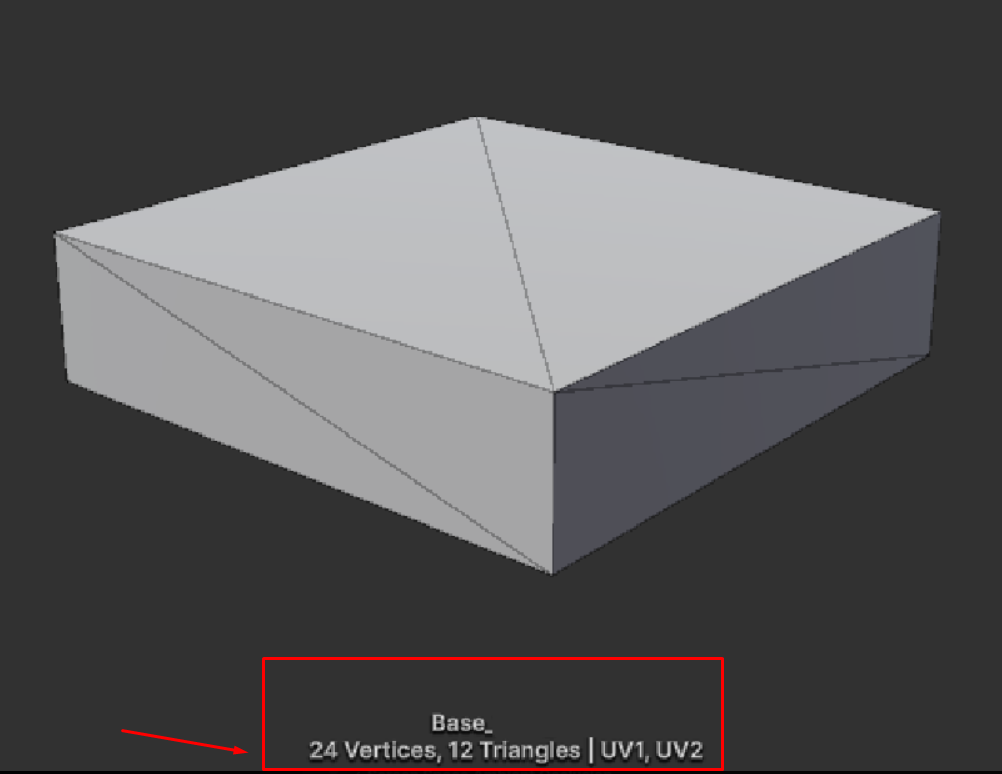

When you are using simple meshes you will not need LODs in the first place and you can cull directly. In this example you can see the mesh has only 24 Vertices/12 Triangles and thus will not need LODs.
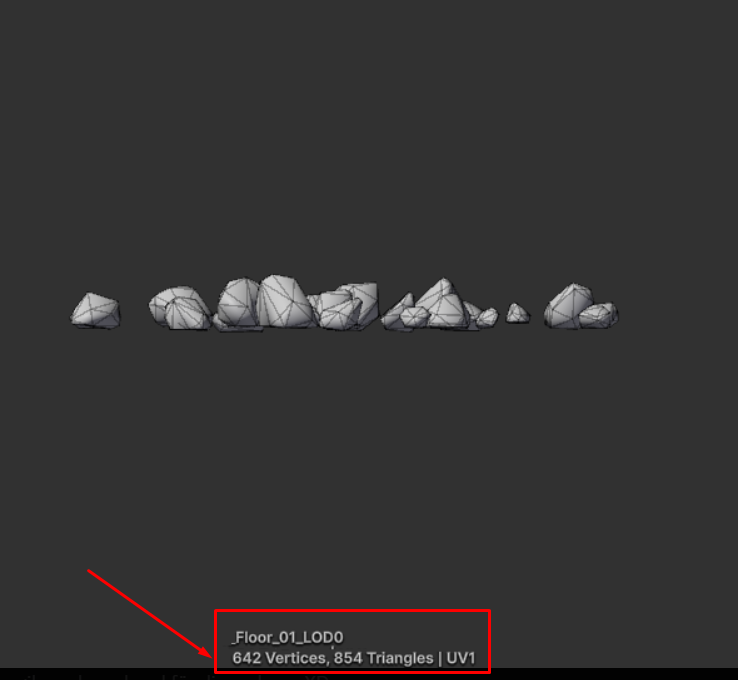
You may only use LODs for complex meshes. Such as the one above.
It has 642 Vertices/854 Triangles and would be a good candidate for LODs.
Do I Need to Make LODs Myself?
Often, yes. But it depends on the tools you are using and your engine.
Some digital content tools include automatic LOD generators. While otheres may require manual work or a plugin.
Most game engines can also auto-simplfy meshes, but automatic decimation can sometimes look messy, cause shading issues or break silhouettes. Hand-crafted LODs almost always look cleaner, especially for landmark or hero assets, buildings and props that players see closely.
Unreal Engine (EU5) has Nanite, which can handle detail dynamically and reduce the need for manual LODs on supported assets, but may still require traditional LODs for best results.
Best practice is to create at least two versions of important assets:
- LOD0 – High-poly, full detail
- LOD1 – Lower-poly, simplified
Then add more layers only when it actually improves performance without hurting visuals.
Did You Find This Helpful?
Then check out some of our other beginner-friendly tutorials!
We’re always cooking up something new at Gentleland!
From exciting project updates to behind-the-scenes looks at our journey, we don’t want you to miss a single moment!
Follow us on our social channels to stay in the loop, connect with our team, and get first access to news, events, and opportunities. We’re here for you, and always ready to help fellow creators and game lovers.