
Category: Tutorials
-
Pivot Point and Origin in Blender
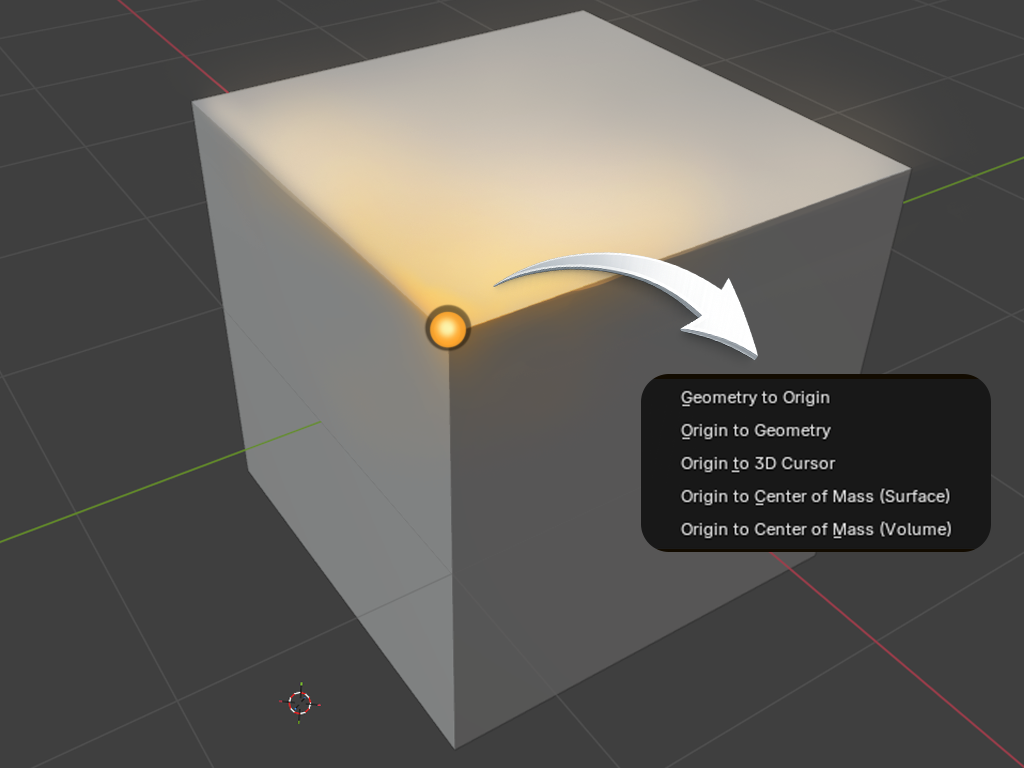
Understanding origins is one of those small skills that makes everything else feel easier: Models place correctly, doors rotate like real doors, and props don’t float where they shouldn’t. If you’ve ever tried to move or rotate something and it spun off in a strange direction, you’ve already met the pivot point. In Blender, the…
-
Cageless Normal Map Baking in Blender
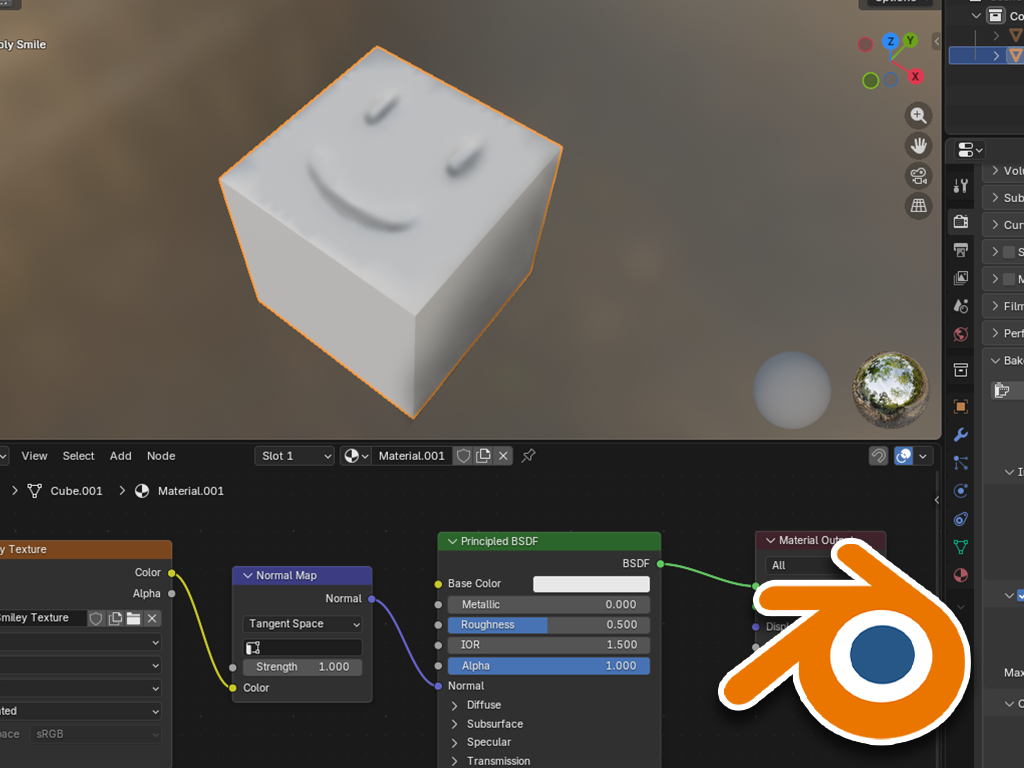
In this step-by-step tutorial we show you how to transfer details from a high poly object to a low poly object in Blender using cageless baking. What is Cageless Baking? Cageless baking means to bake maps (most often normal maps) without using a cage mesh. In a typical high-poly -> low-poly workflow, 3D artists often…
-
What Are LODs?
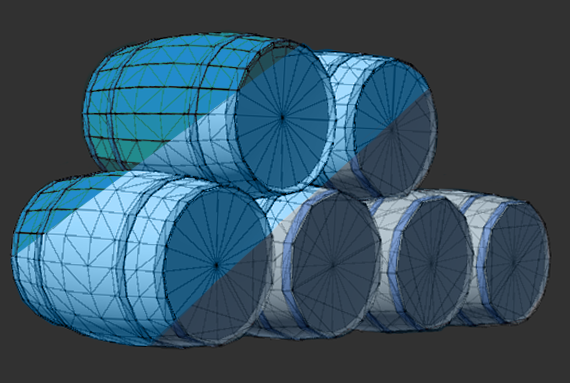
When you build, beautiful worlds for your game, you may have already stumbled over LODs. LOD stands forLevel of Detail. In this guide we explain you what it is and how you can improve your games performance by using them. In practice it means: One object can exist in multiple versions, each with different complexity.…
-
What is Z-Fighting in Unity?
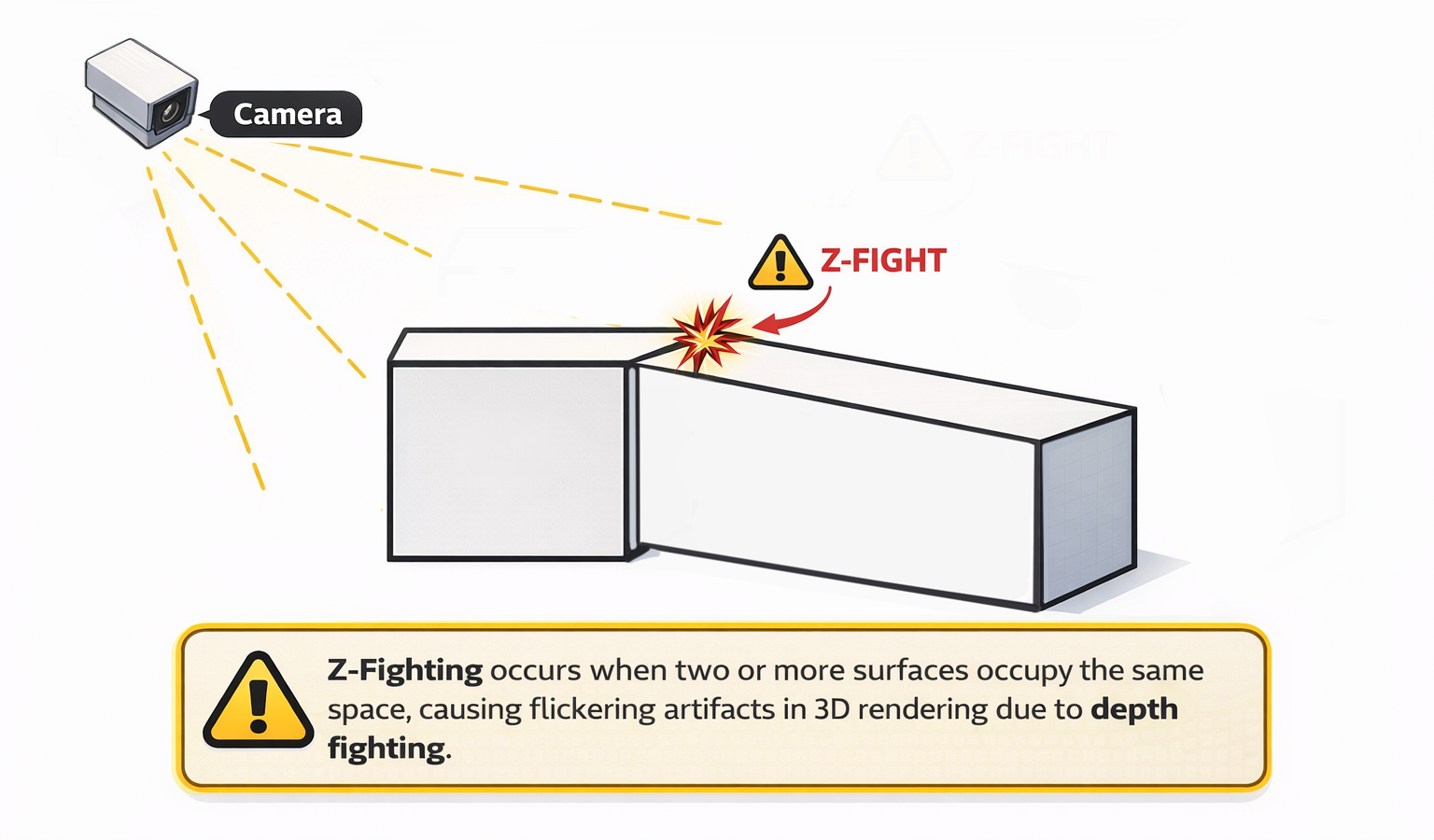
Z-fighting is the flickering effect you see when two surfaces are so close together that the GPU can’t reliably decide which one is in front. As the camera moves you see noisy pixels on those surfaces. Where does Z-Fighting happen? In Unity you usually notice Z-Fighting on walls or floors that overlap or when you…
-
Photoshop Grid Tutorial for Beginners
If you’re just getting started with game art and want to create assets in a clean, looking style, this Grid Tutorial is for you. In this step-by-step guide, you’ll learn how to set up a perfect grid in Photoshop — no experience needed. Whether you’re designing tiles, characters, or environments, this beginner-friendly walk through will…
-
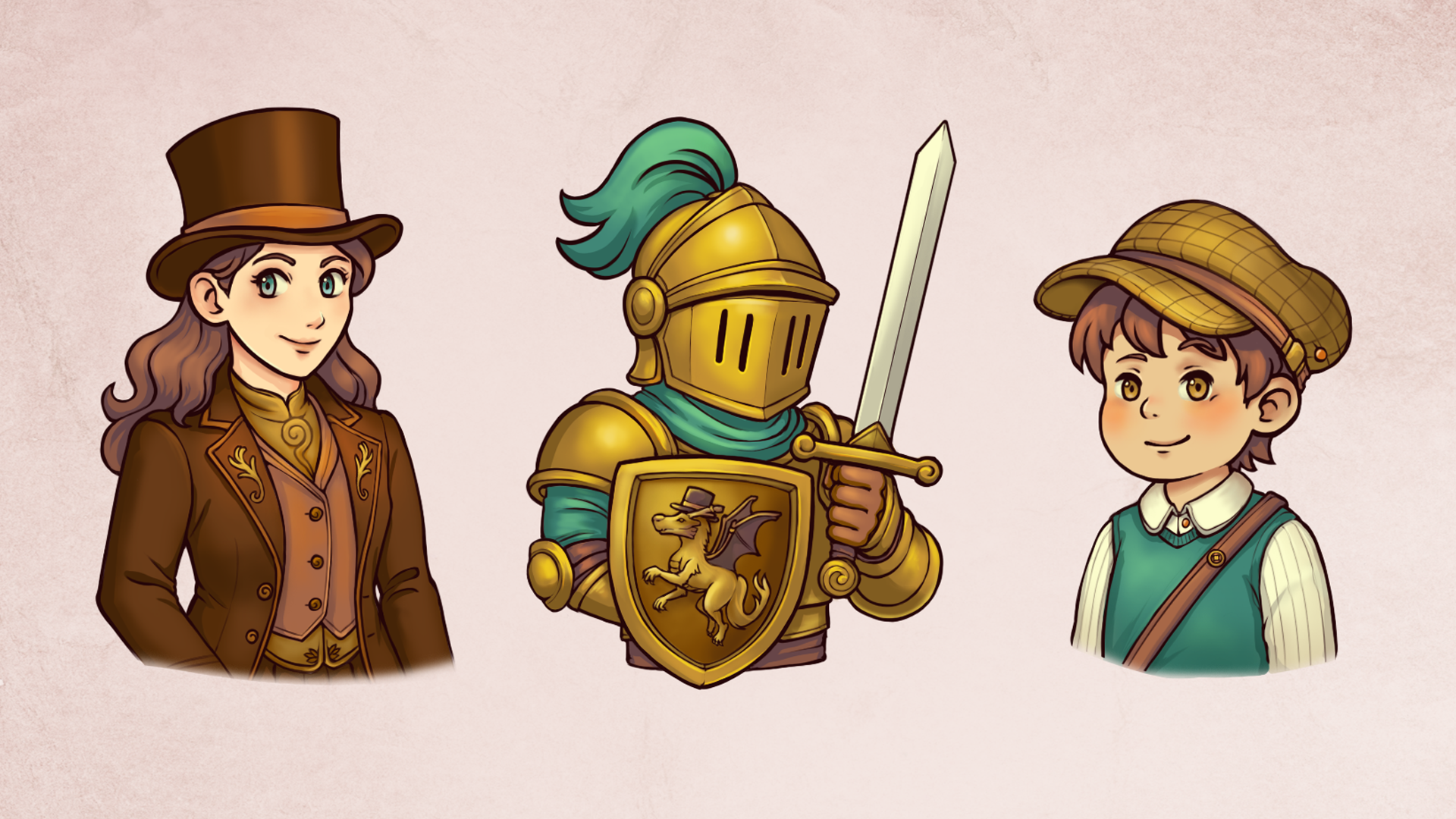
How to Record Art Time-lapses That Look Amazing
Whether you are drawing concept art for your next game, creating promotional illustrations, or simply building your portfolio, knowing how to record art time-lapses is one of the most powerful ways to share your process. They are visually satisfying, great for social media and help you build trust by showing the real effort behind your…
-
How to Create an Isometric Grid in Illustrator for Games
Isometric art adds a sense of depth and structure to your game’s visuals all without diving into full 3D. It’s perfect for building everything from cozy towns to tactical maps and sleek UI elements.In this guide, we’ll walk you through how to create an isometric grid in Illustrator, ideal for laying out game environments, UI…
-
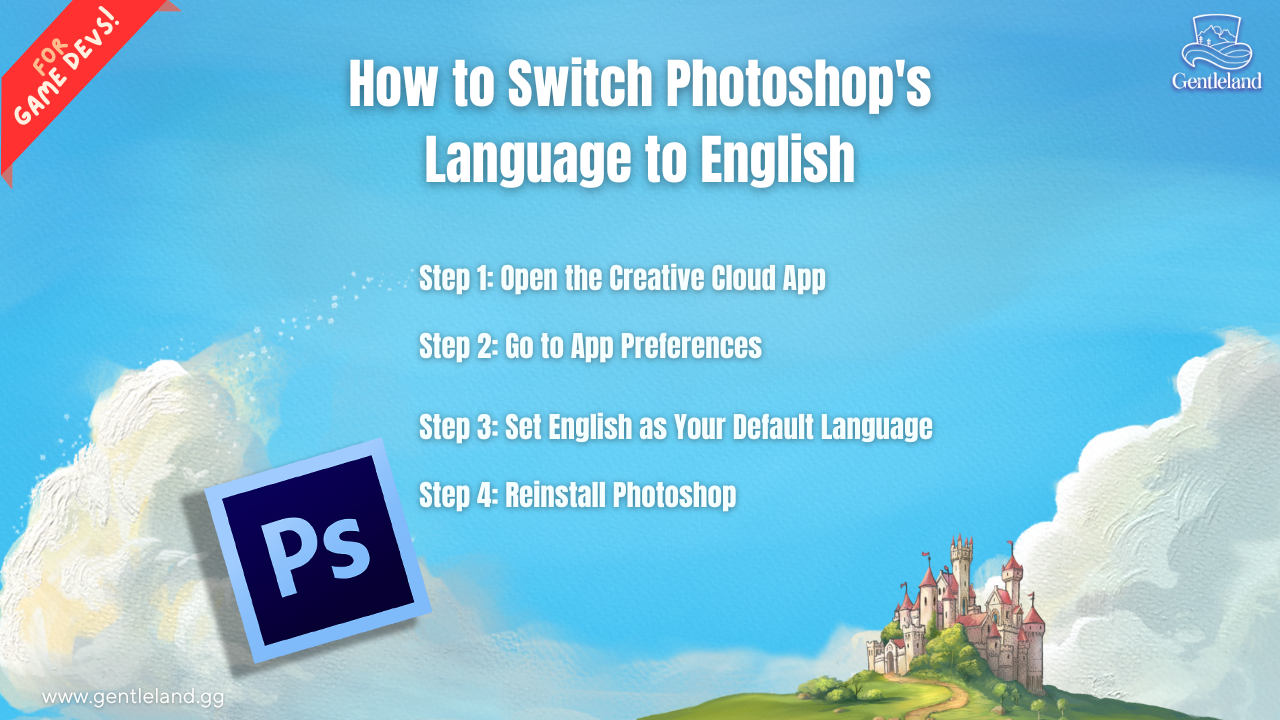
How to Switch Photoshop’s Language to English
If you’re using Photoshop in a different language and finding it hard to follow tutorials or menus, you’re not alone. Many users want to switch Photoshop’s language to English for easier navigation and better compatibility with online guides. In this quick step-by-step tutorial, you’ll learn exactly how to change the language settings in Adobe Photoshop…